Tame Your Agents
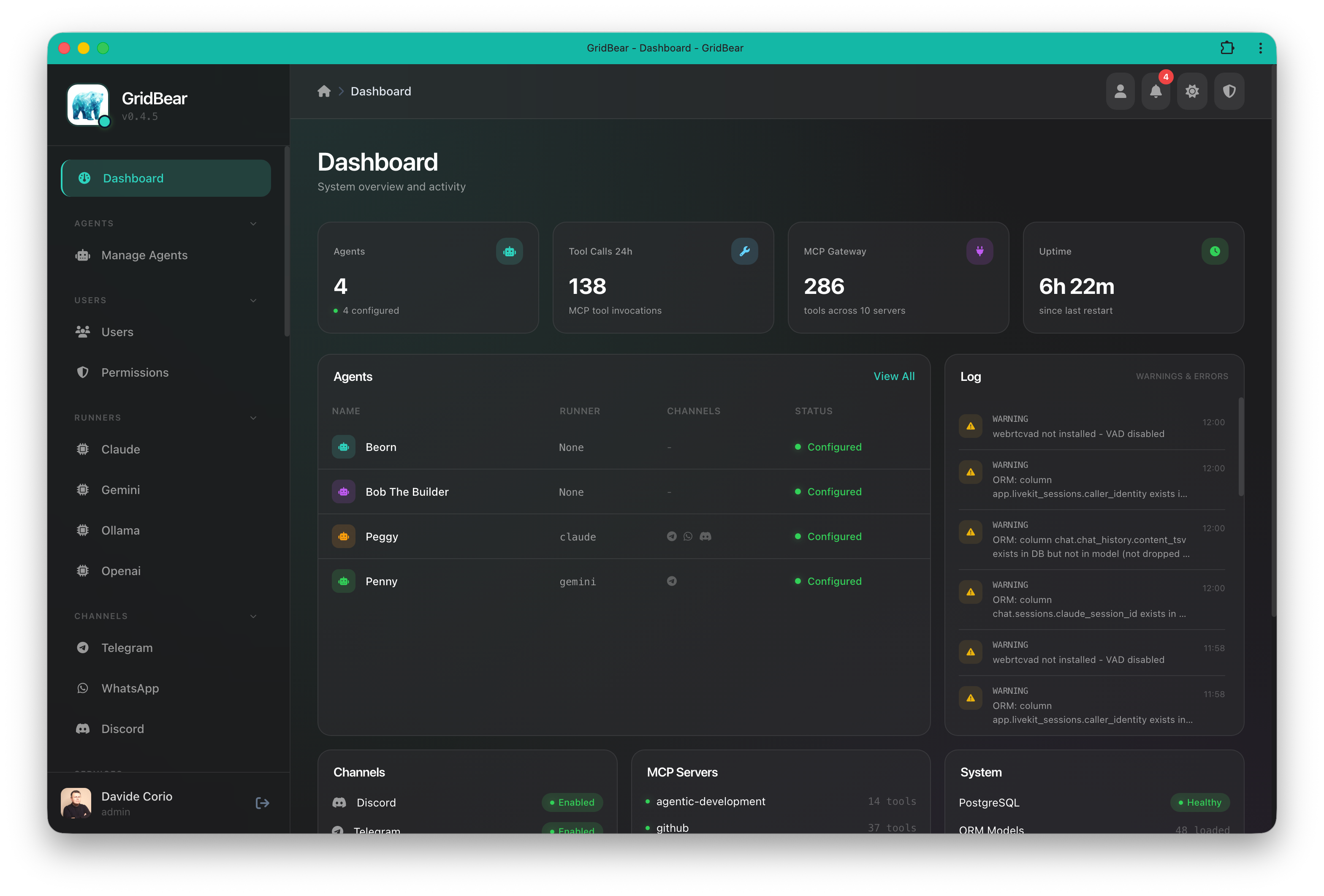
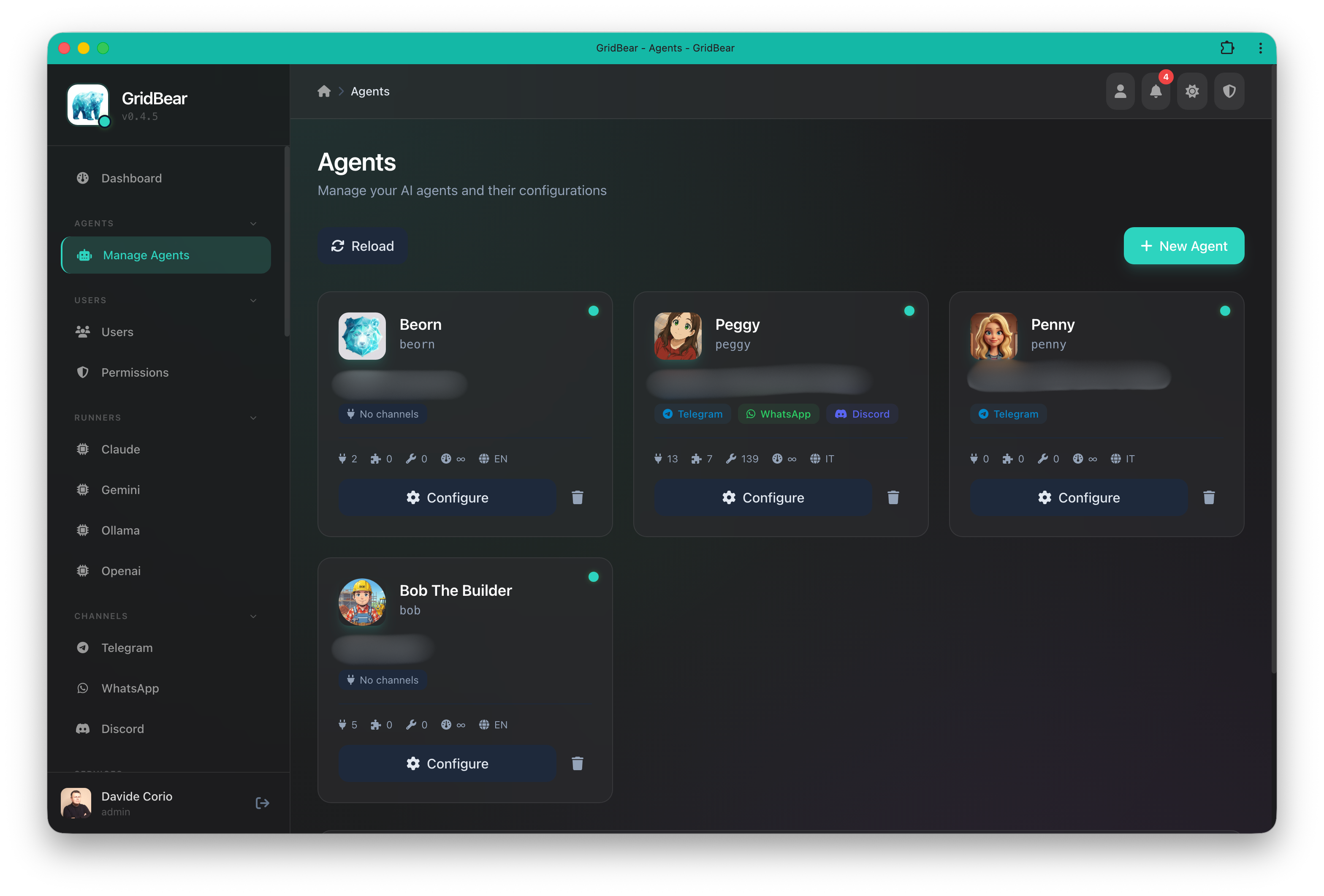
Secure, open-source platform to run AI agents in production. Granular permissions, multi-LLM, multi-channel, fully extensible with a growing plugin ecosystem.
GridBear started as a personal project and most of the codebase has been vibe coded — built iteratively with AI assistance. We strongly advise against using these early releases in production. The goal is to build a community that helps the project grow and reach production readiness together.
Everything you need to deploy and manage AI agents at scale, securely.
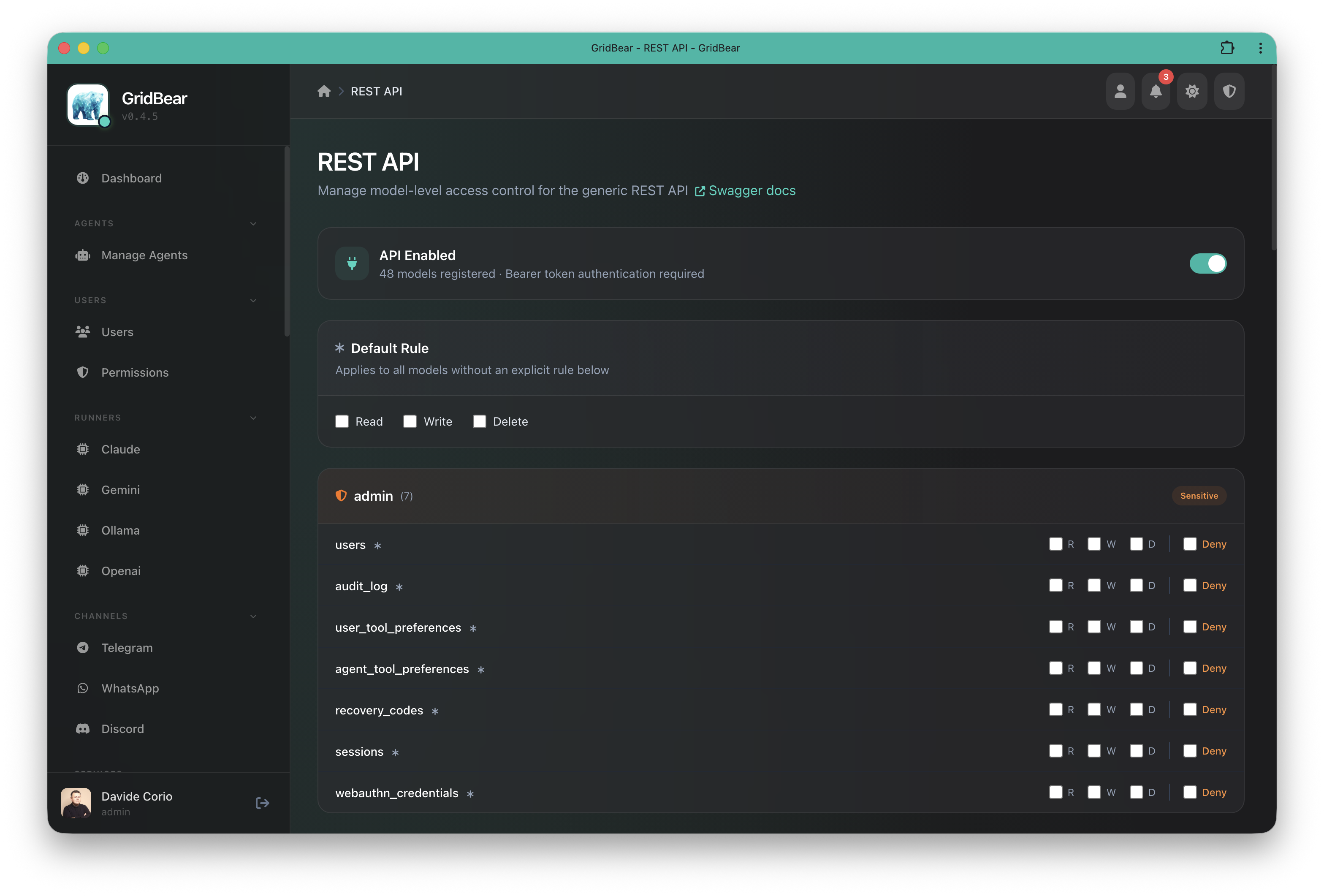
Per-agent, per-user, per-tool access control. Define exactly what each agent can and cannot do.
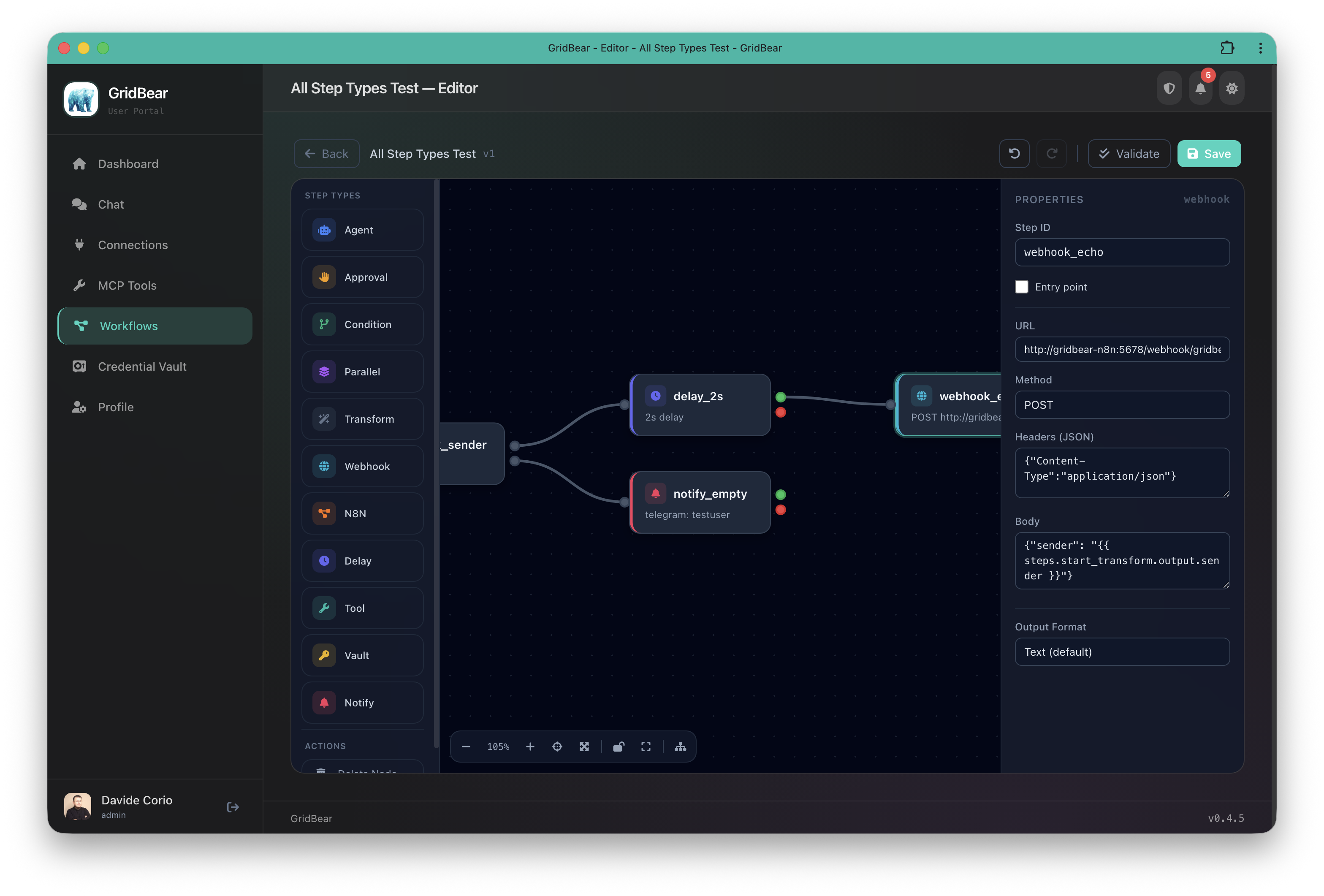
Everything is a plugin — channels, runners, services, MCP providers, themes. Add, remove, or replace any component.
Claude, GPT, Gemini, Ollama — run any model. Switch per-agent, mix and match, or run fully local.
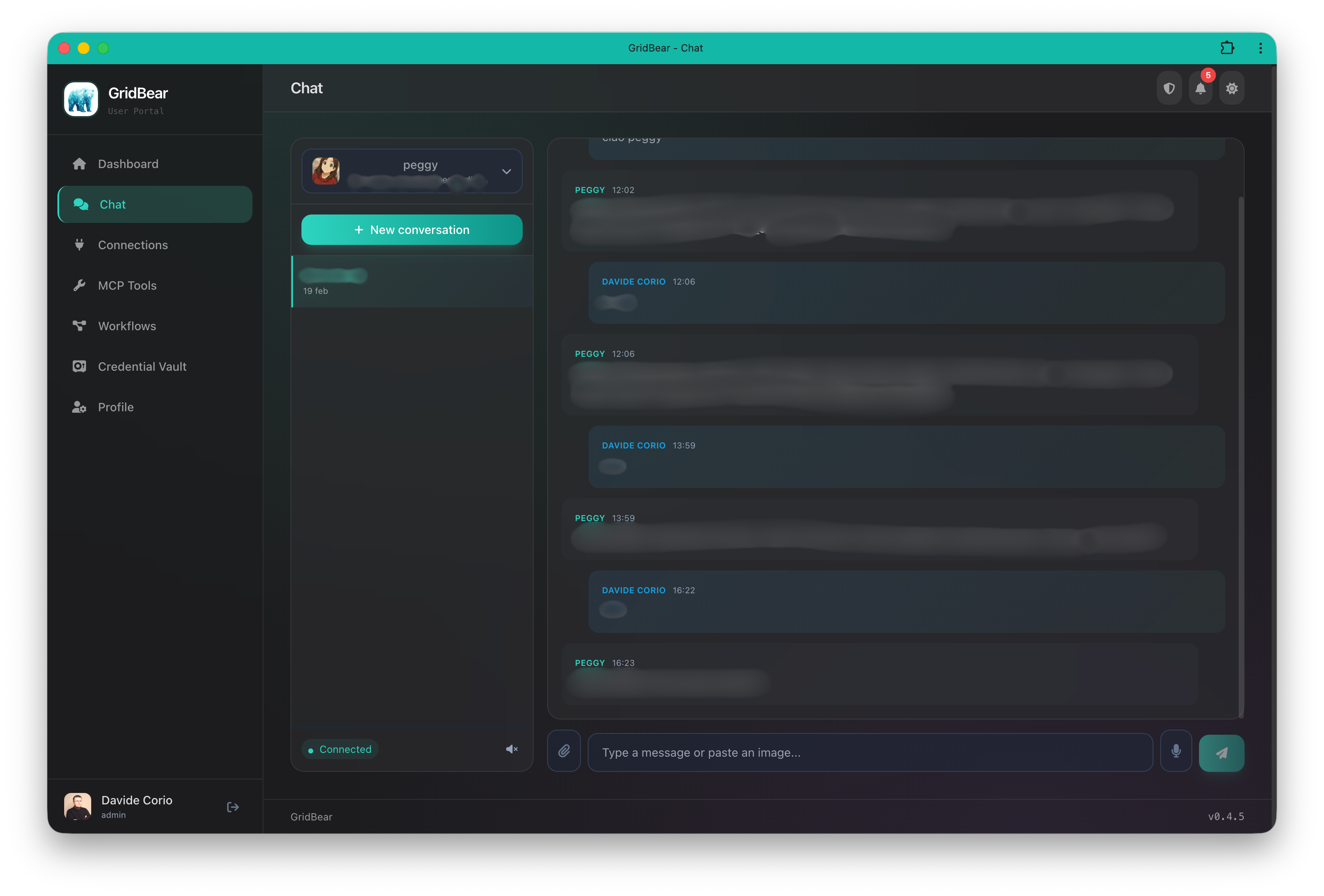
Telegram, Discord, WhatsApp, Web Chat. Same agent, multiple channels, consistent experience.
Semantic memory with vector embeddings, conversation history, user profiles, and persistent memos.
Connect agents to external services — Gmail, Google Sheets, Home Assistant, GitHub, and more via MCP protocol.
A rich ecosystem out of the box. Build your own or extend existing ones.
Clone, configure, run. Three steps to your first agent.
# Clone and enter
git clone https://github.com/gridbeario/gridbear.git
cd gridbear
# Setup environment and generate secrets
cp .env.example .env
echo "POSTGRES_PASSWORD=$(openssl rand -base64 24)" >> .env
echo "INTERNAL_API_SECRET=$(openssl rand -hex 32)" >> .env
# Edit .env — add your API keys and channel tokens
# Create your first agent
cp config/agents/myagent.yaml.example config/agents/myagent.yaml
# Edit config/agents/myagent.yaml
# Start and open the admin UI
docker compose up -d
# http://localhost:8088/auth/setup GridBear is built in the open. Contribute, discuss, and shape the future of the platform.